Leave A Message
If you are interested in our products and want to know more details,please leave a message here,we will reply you as soon as we can.

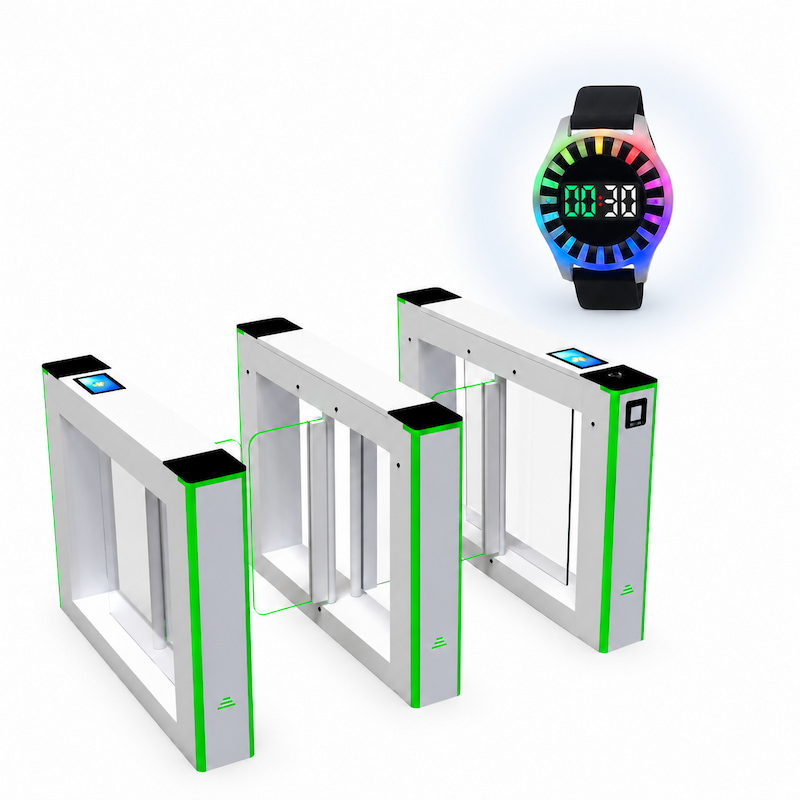
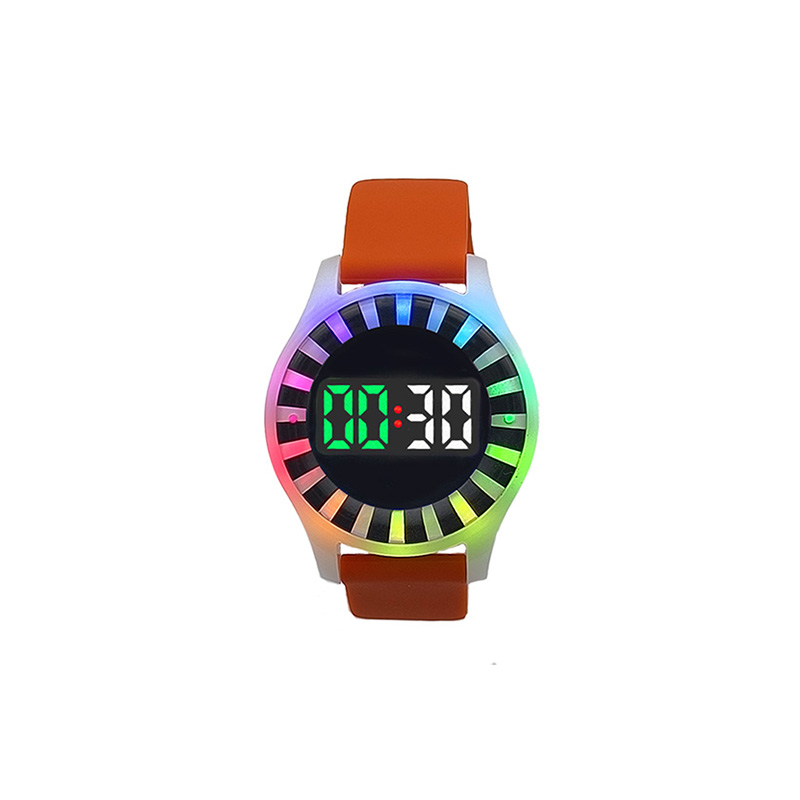
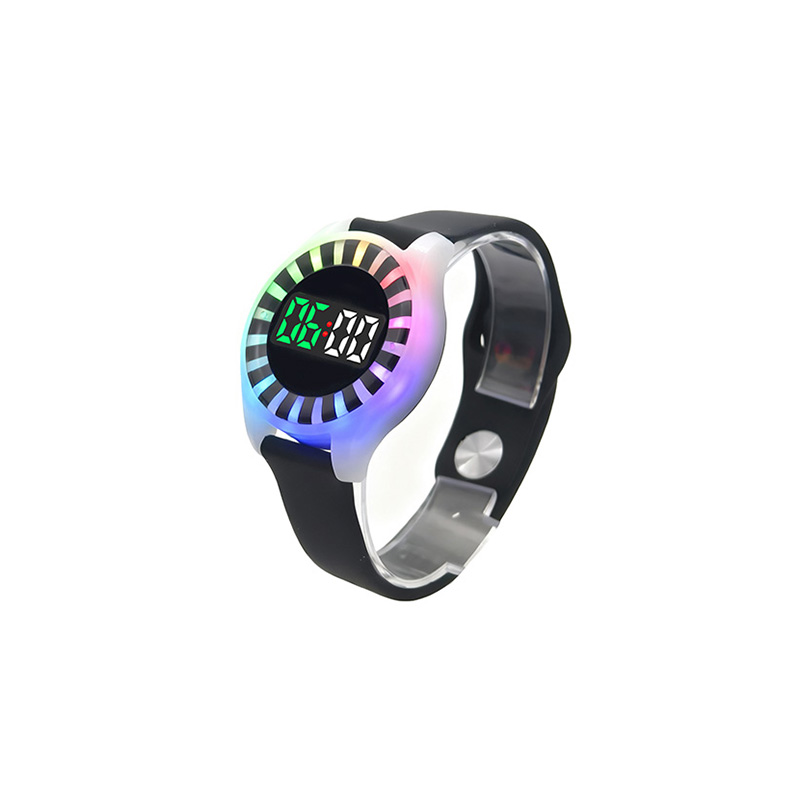
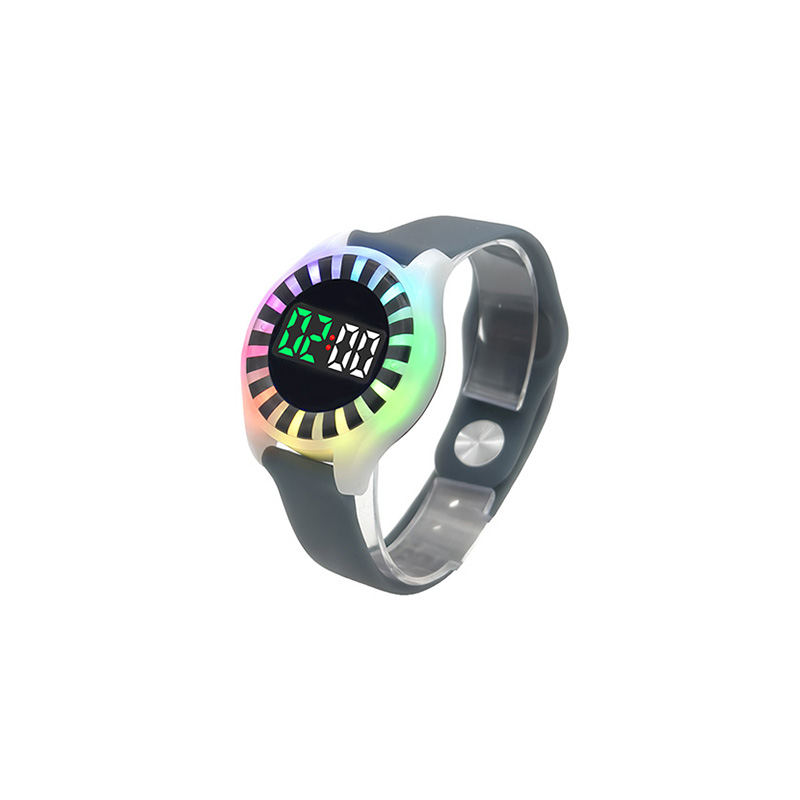
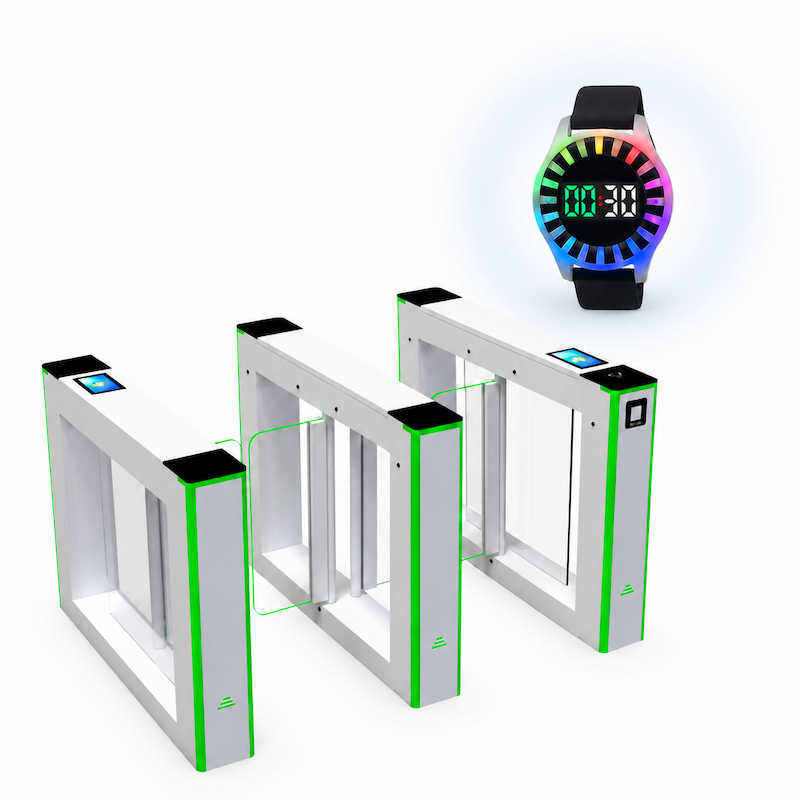
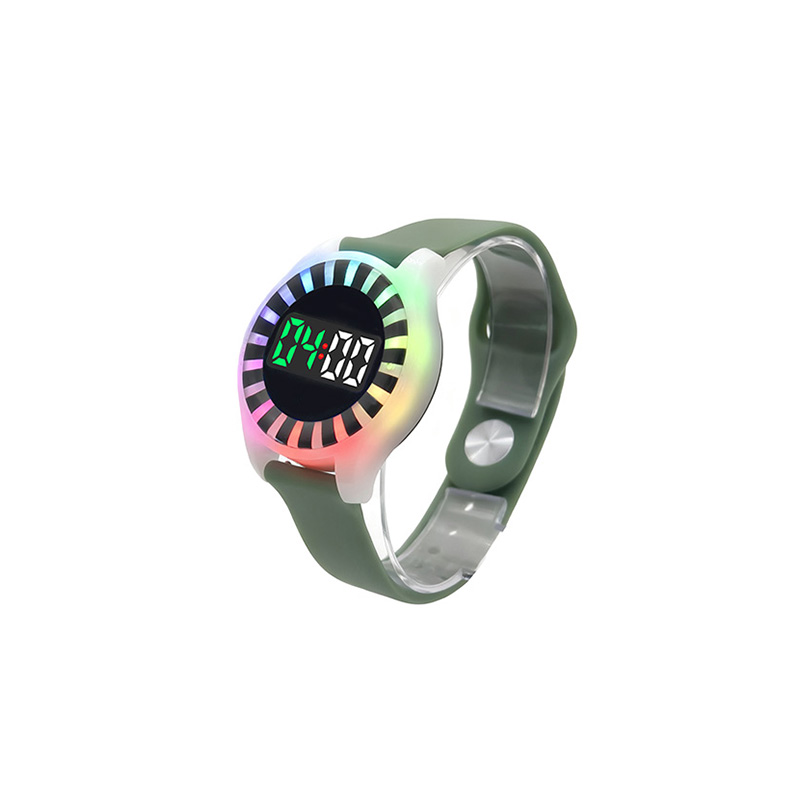
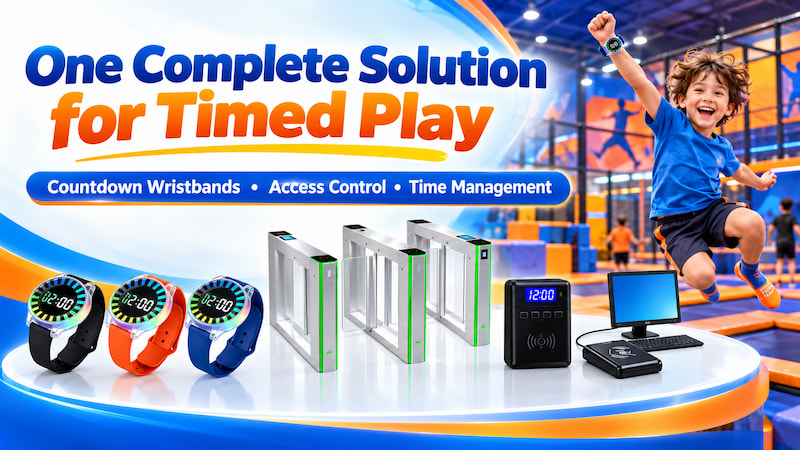
Meihe combines MH-CR03 countdown wristbands with Timer Setters, entrance and exit turnstiles, charging equipment and supporting software. Visitors can check their remaining time and receive light and vibration reminders, while the same registered wristband is used to check access at the gates. We recommend this solution for venues that need to coordinate timed play and entry across one or several activity areas. Countdown start methods, reminder programs and gate rules can be configured for your operation, with API and technical support for integration and testing.
Item NO. :
Customized RFID Countdown Time Reminder WristbandsPayment
T/T, Western Union, PaypalProduct Origin
Shenzhen, ChinaColor
CustomizedShipping Port
Shenzhen, HongkongLead Time
7-8 working daysBrand
MHProduct Minorder
500Custom RFID Countdown Wristband System for Indoor Playgrounds
Configure countdown wristbands, turnstiles, timer setters and software for indoor playground time and access management with API and technical support.
How the Complete System Works
1. Register and Assign: Staff register the wristband UID in the supporting system, then assign the visitor’s play duration and permitted activity areas.
2. Scan to Enter: The entrance reader checks the wristband’s permission and opens the turnstile when access is valid. The countdown starts when staff write the time or, with a customized setup, when the visitor scans at the entrance.
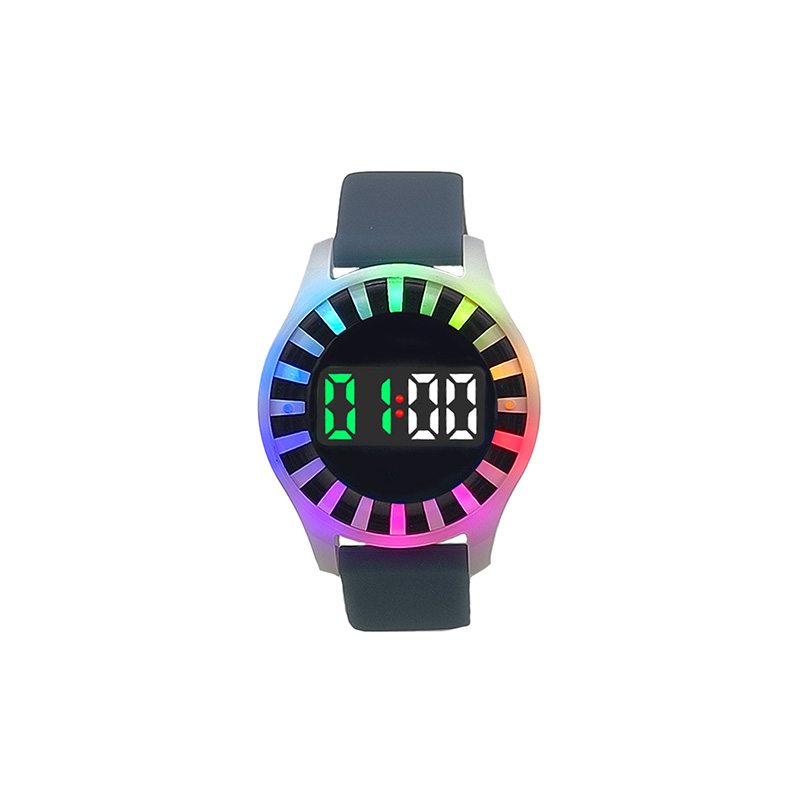
3. Display Time and Remind: The MH-CR03 displays the remaining play time. Five minutes before the session ends, it shows a yellow light and vibrates three times.
4. Apply the Session Rules: At expiry, the wristband activates the selected reminder program. The system can block expired entry and prevent repeated admission according to the configured rules.
5. Check at the Exit: The exit reader checks wristband status. Overtime access can be configured to require staff assistance before the gate opens.
6. Collect and Reuse: Staff collect the wristbands, clear the timers and update access permissions before issuing them again. Wristbands are recharged as needed.
Best For
Indoor playgrounds with waiting areas
An entrance-triggered setup starts the countdown when visitors enter the activity area, so waiting after registration does not use their assigned play time.
Trampoline parks with fixed sessions
Assign session lengths such as 30, 60, 90 or 120 minutes. Wristbands remind visitors when time is running out, while gates check access permission.
Multi zone entertainment centers
Configure different durations and permissions for different activity areas, based on how visitors enter and move through the venue.
Membership based play centers
Use registered wristbands for member identification alongside countdown reminders and access control. Specific membership functions depend on the software configuration.
Complete Solution Components
Equipment quantities and combinations are selected according to the venue layout and daily wristband usage.
|
Product |
Role in the Solution |
|
MH-CR03 |
Displays remaining time and provides LED and vibration reminders, with RFID identification for access control |
|
Timer Setter — No distance limit timer setter |
Uses button controls to set, read and clear countdown time without a computer; portable for use at different service points |
|
Timer Setter — Computer software timer setter |
Sets time through computer software and provides an API interface for system integration |
|
Entrance and Exit Turnstiles with Access Accessories |
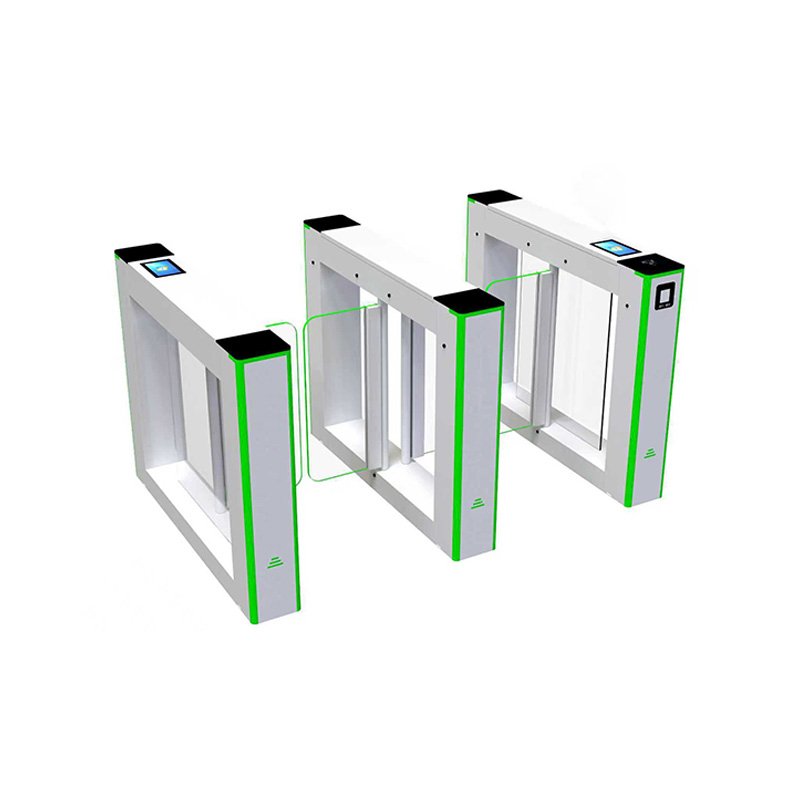
Check registered wristbands and apply the configured entry and exit rules |
|
Floor Mag-charging Shelf |
Magnetically charges up to 32 MH-CR03 wristbands at the same time |
|
10-port USB charger |
Charges up to 10 wristbands simultaneously using compatible charging cables |
|
20-port USB charger |
Charges up to 20 wristbands simultaneously using compatible charging cables |
|
Supporting Software |
Connects wristband registration, timing, access permissions and member identification |
Specifications
|
Item |
Specification |
|
Wristband model |
MH-CR03 |
|
Main functions |
Countdown display, LED indication, vibration reminders and RFID identification |
|
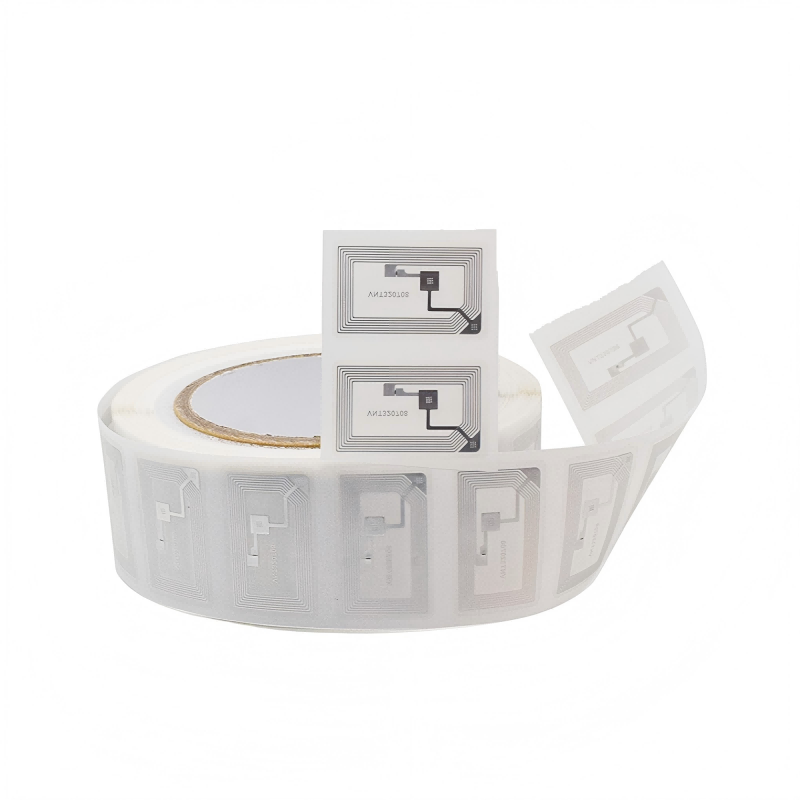
RFID frequency |
13.56 MHz |
|
RFID protocol |
ISO 14443A |
|
RFID memory |
1K Byte |
|
Countdown setting range |
Up to 24 hours |
|
Time increments |
1 minute or 30 minutes |
|
Housing and strap |
ABS housing with silicone strap |
|
Battery |
200 mAh rechargeable polymer lithium battery |
|
Charging method |
DC 5 V magnetic charging |
|
Charging time |
Approximately 120 minutes |
|
Working time |
Approximately 5–6 hours |
|
Standby time |
More than 100 hours |
|
No distance limit timer setter |
Model MH100, 91 × 67 × 21 mm |
|
Computer software timer setter |
Reader dimensions 118 × 78 × 18 mm |
|
Computer software timer setter interface options |
USB HID, RS232 or PC/SC CCID |
|
Floor Mag-charging Shelf capacity |
32 MH-CR03 wristbands |
|
USB charger options |
10-port USB charger or 20-port USB charger |
|
Illustrated turnstile dimensions |
1200 × 180 × 950 mm, L × W × H |
|
Illustrated passage width |
460 mm |
|
Appearance customization |
Wristband color, logo, strap style and locking clasp |
|
Operating configuration |
Countdown start method, reminder program, zone permissions and gate rules |
Installation and Technical Support
We provide installation instructions, an API and technical assistance for equipment integration, system configuration and workflow testing. Remote support is available for the initial software installation and database setup. If you use existing equipment or software, our technical team can help check the interfaces and integration requirements.
Common Questions
Can we customize the wristbands with our playground logo?
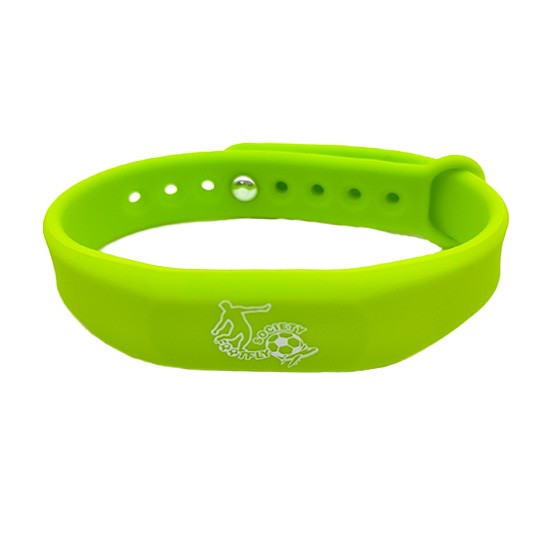
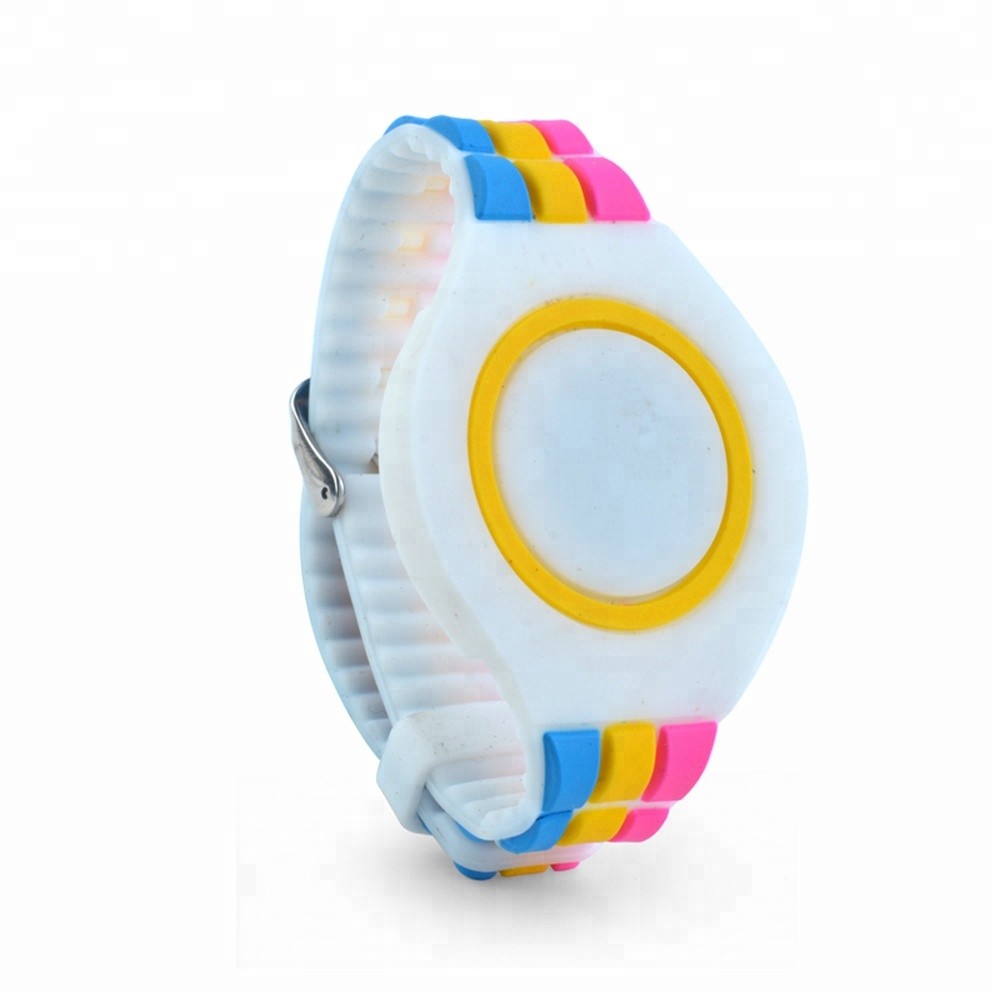
Yes. Wristband colors, logos and strap styles can be customized to match your venue.
Can visitors wait after registration without using their play time?
Yes, with a customized entrance-triggered setup. The standard countdown begins immediately after staff write the time.
Which Timer Setter should we choose?
The No distance limit timer setter is suitable for button-operated countdown setting without a computer. The Computer software timer setter is suitable for software-based time setting and integration with the supporting system.
Can we offer different session lengths?
Yes. Staff can set different durations, such as 30, 60, 90 or 120 minutes, using the selected Timer Setter.
Can the same system serve several activity zones?
Yes. Different zones can have separate durations and access permissions. The equipment and workflow are configured for the venue layout.
Can we add turnstiles after starting with wristbands?
Yes. You can begin with MH-CR03 wristbands, a Timer Setter and charging equipment. When adding turnstiles, the existing equipment, wristband program and software configuration need to be checked together.
Can we connect the solution to our existing software?
We provide an API and technical support to assist with integration. Compatibility depends on the existing software and equipment interfaces.
Get a Custom Solution
Tell us about your indoor playground, and we will recommend a suitable countdown wristband and turnstile solution with a quotation.


 IPv6 network supported
Chat NOW
Scan to wechat :

Scan to Whatsapp :



 Product categories